
Living Room Virtual Staging: Layouts and Examples
Show how an empty living room could work as a seating area. Upload a photo, choose Living Room and a style, then review the furnished result against the original. Keep doors, windows and circulation easy to understand.
Free photos are watermarked. No credit card required. Paid plans include watermark-free downloads.
Living Room before and after virtual staging
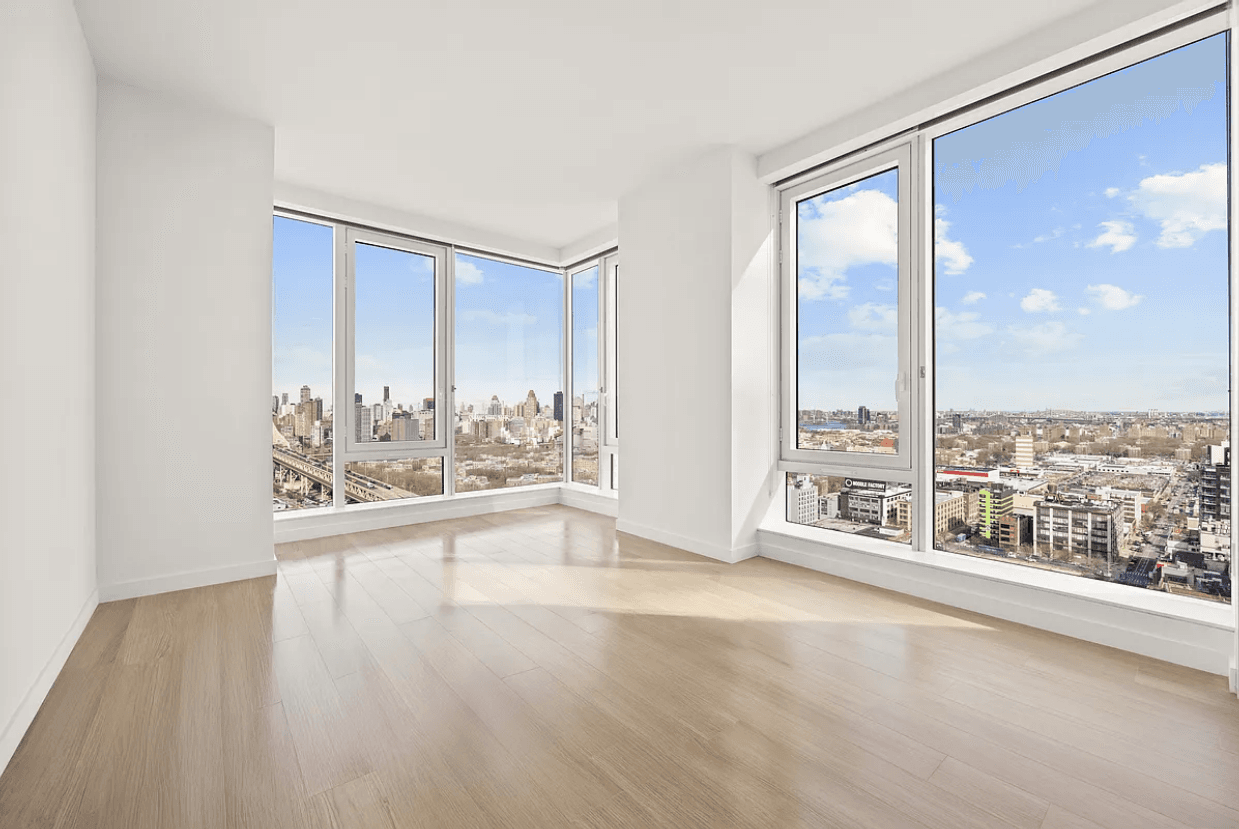
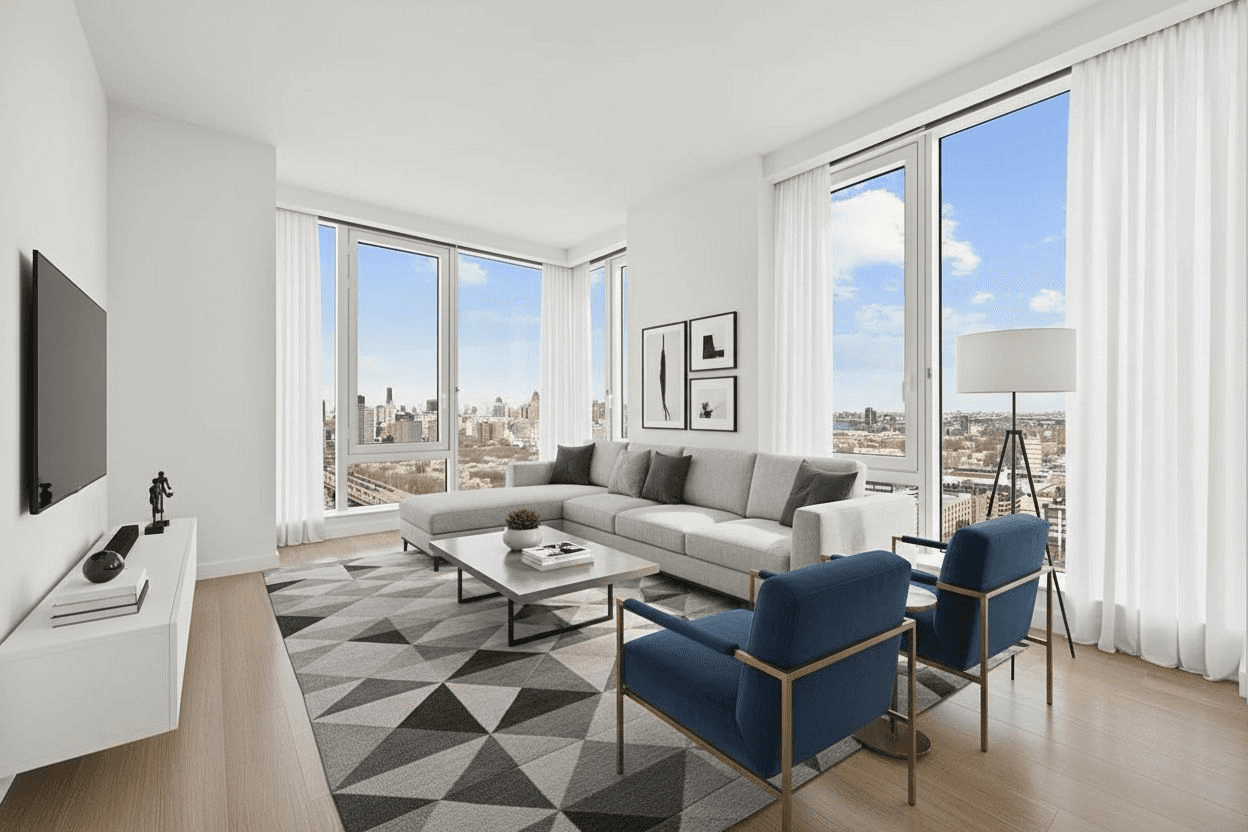
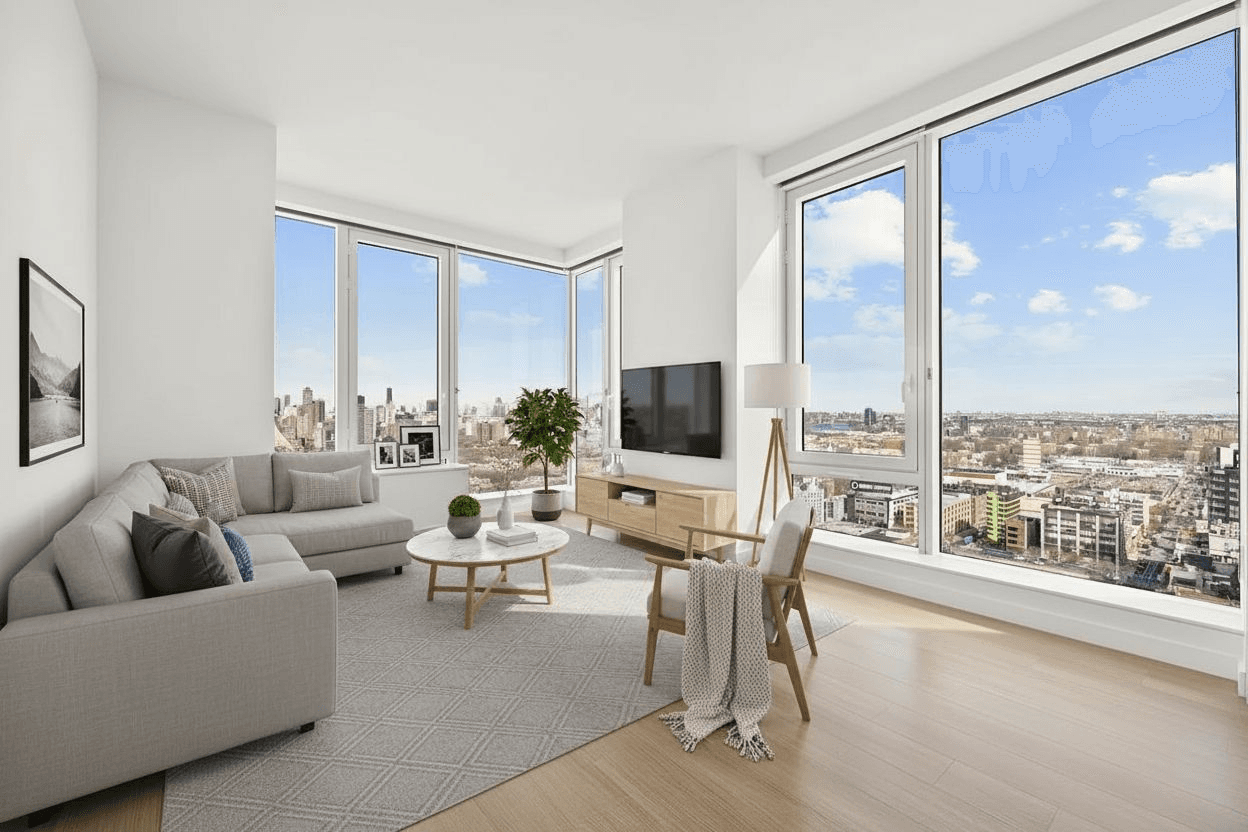
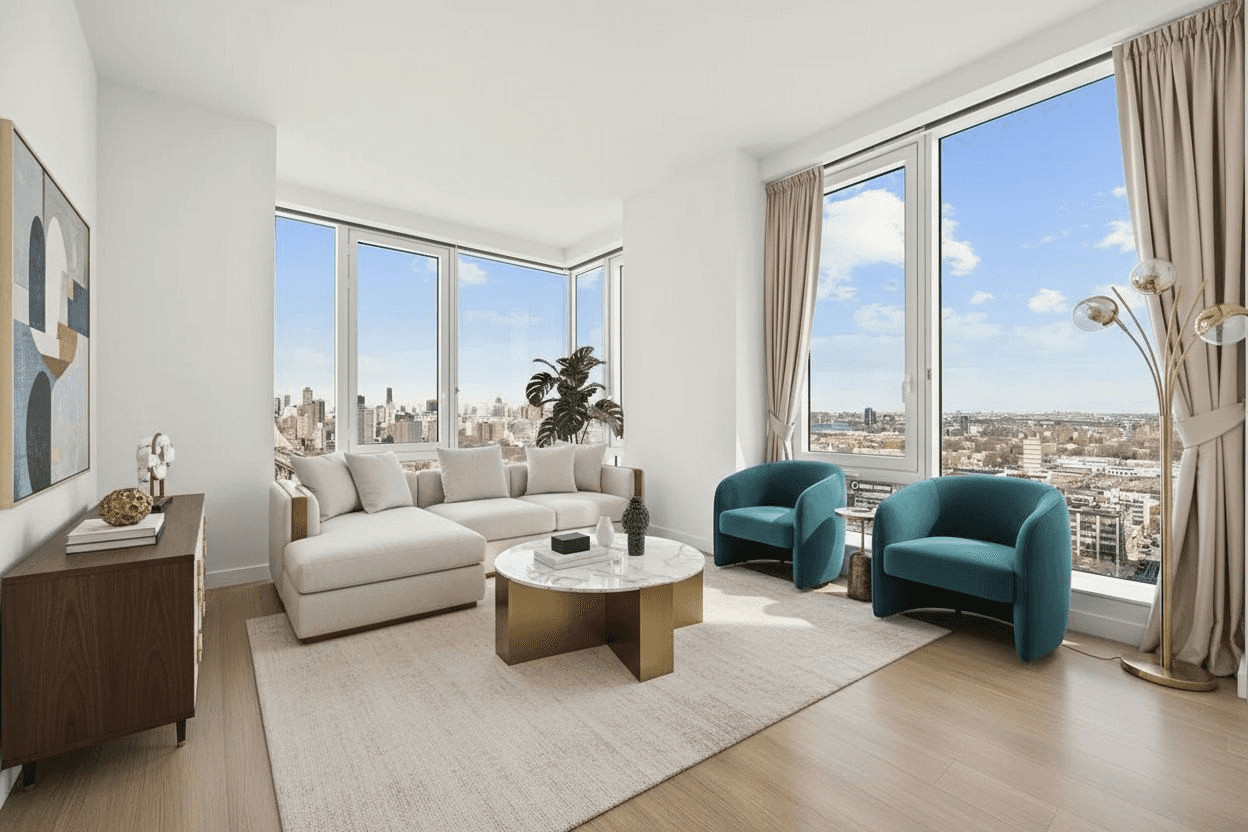
Examples from our gallery. Digital furniture illustrates possible arrangements; results vary with your photo.
Start with the seating area, not every corner
A sofa, a rug and a small number of supporting pieces can give a vacant room a clear purpose. Too many chairs or oversized furniture can make the same room difficult to read. Look for a coherent seating group and an obvious route through the space.
For an open-plan living and dining area, choose a view that shows both zones. Keep the route between the kitchen, seating area and doors clear. A generated layout is an illustration, not a measured furniture plan.
Match the style to the existing room
Modern staging can offer a simple starting point. Scandinavian styling can illustrate a lighter visual direction, while Luxury may produce a more formal arrangement. Compare the existing examples, then test your own photo: style selections can change the furniture and decor, but should not imply new flooring, larger windows or renovated finishes.
Check the details before publishing
- Doors and main walkways remain visible and unobstructed.
- The sofa and chairs appear proportionate to the photographed room.
- Windows, fireplace, flooring and other permanent features match the original.
- Furniture legs, rugs, shadows and reflections look plausible.
- Different angles do not misleadingly imply one exact, consistent furniture arrangement.
Working with a furnished living room
Use furniture removal when selected movable items prevent you from showing a new arrangement. Inspect the newly exposed areas carefully: AI reconstructs surfaces behind removed objects and may not reproduce their actual condition. Keep the source photo and reject edits that conceal defects or misrepresent the property.
Stage your room in AiStager
- Upload a clear photo you have permission to edit.
- Choose Living Room and a design style.
- Compare the generated result with the original and reject inaccurate changes.
- Prepare approved photos with the originals and disclosures required for your listing.
Free photos are watermarked. No credit card required. Paid plans include watermark-free downloads.