
Bedroom Virtual Staging: Examples and Small-Room Checks
Help a viewer picture a bed and a practical amount of storage in an empty bedroom. Choose Bedroom in AiStager, select a style and review the result beside the original. The goal is a believable furnishing idea for the room you photographed.
Free photos are watermarked. No credit card required. Paid plans include watermark-free downloads.
Bedroom before and after virtual staging
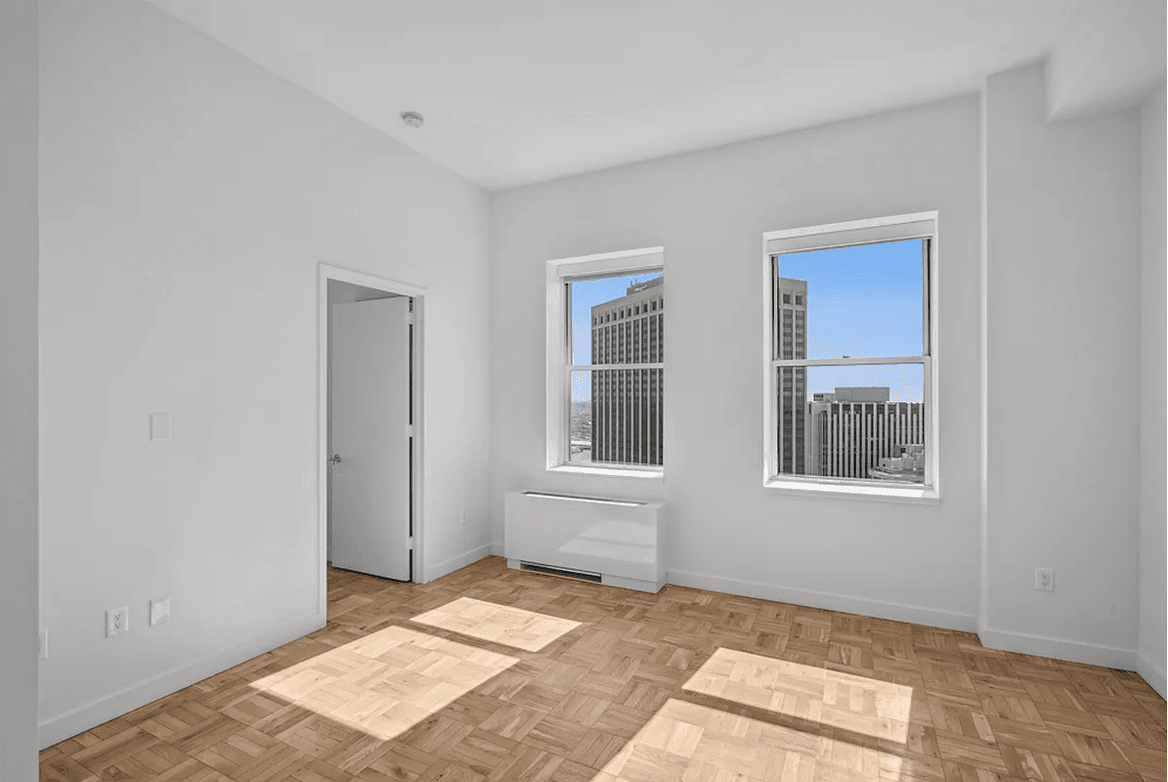
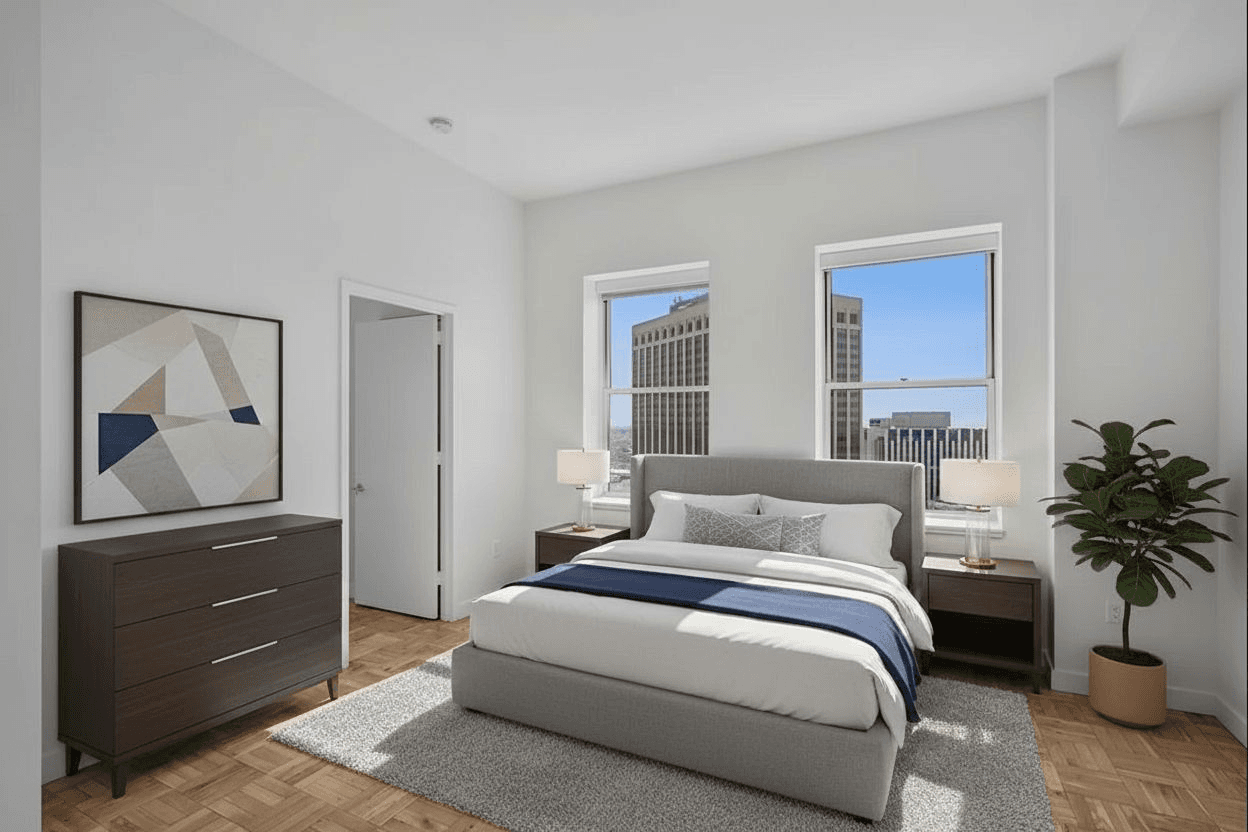
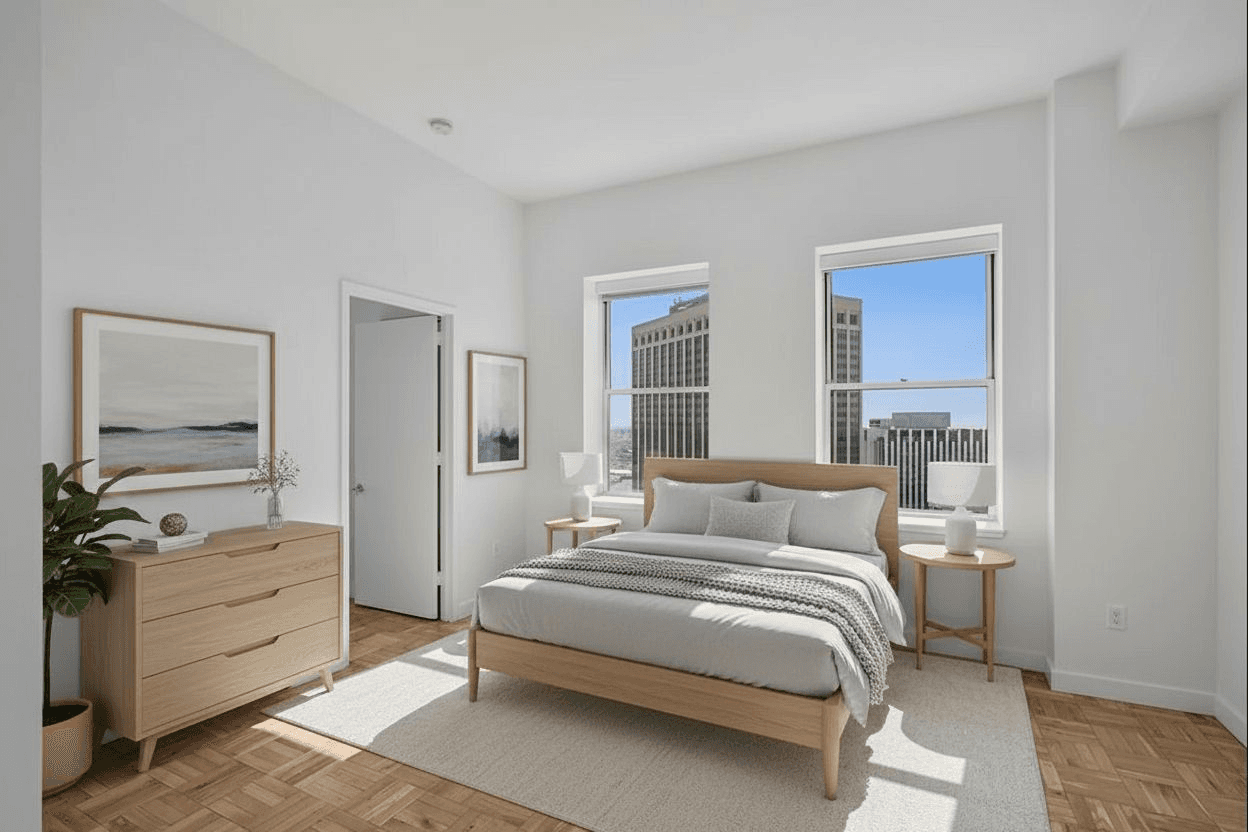
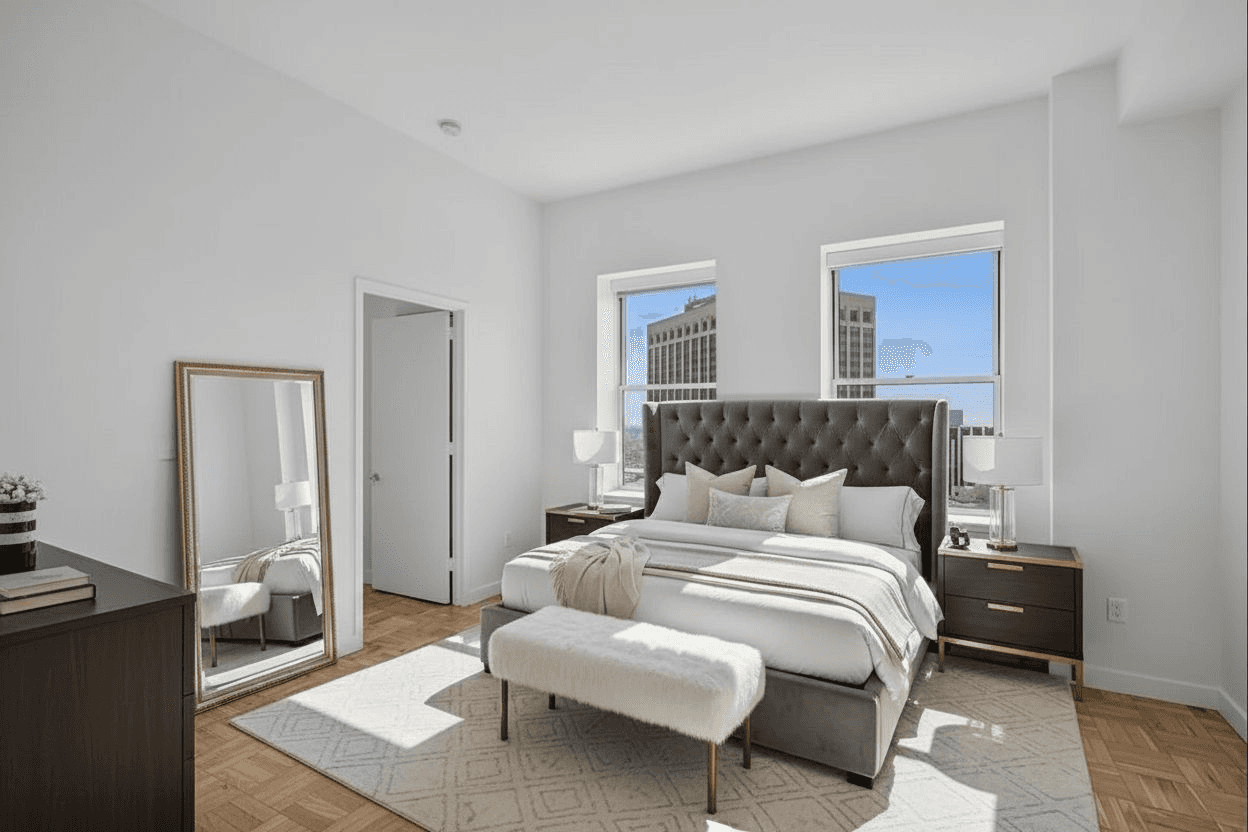
Examples from our gallery. Digital furniture illustrates possible arrangements; results vary with your photo.
Use the bed to explain the room
A bed is the visual anchor, but its apparent size can easily mislead. Check the relationship between the bed, windows and doors. Leave visible circulation space and avoid approving an output simply because it manages to fit more furniture into the frame.
Do not identify a digitally generated bed as proof that a king or queen mattress will fit. Use actual measurements for that claim; a staging photo is not a scale drawing.
Keep small bedrooms simple
For a compact bedroom, a restrained arrangement with a bed and limited bedside furniture is often easier to evaluate than an elaborate set. Check access to closets and whether drawers or doors appear blocked. Avoid digitally turning a windowless storage area into a bedroom or implying a permitted use that has not been established.
Review the room and the generated details
- Closet doors and the room entrance remain accessible.
- Window placement, flooring and permanent lighting match the source photo.
- The bed, pillows and bedside furniture have plausible proportions.
- Mirrors and reflections do not invent additional doors or windows.
- The listing clearly distinguishes digital furniture from what is included.
Select a style and compare it with the original
Modern and Scandinavian variations offer different furnishing ideas without requiring you to redesign the room itself. Use the examples below as visual references, then test your actual photo. AI output varies with the image, and every version needs review.
For a furnished rental, show the actual bed and supplied furniture in the listing. If you use a virtual concept as supplemental material, label it clearly so a prospective tenant does not mistake it for the accommodation they will receive.
Stage your room in AiStager
- Upload a clear photo you have permission to edit.
- Choose Bedroom and a design style.
- Compare the generated result with the original and reject inaccurate changes.
- Prepare approved photos with the originals and disclosures required for your listing.
Free photos are watermarked. No credit card required. Paid plans include watermark-free downloads.